

SET UP PRO SERVICES
SET UP PRO SERVICES
Enhanced Capabilities for Touch Pro.
Part of the Connect Pro Pack, Pro Services deliver a number of enhanced navigation, infotainment and connectivity capabilities for Touch Pro. In order to set up the Pro Services, please follow the guidance.
ENABLE CONNECTIVITY
You will only need to enable connectivity for cars fitted with Pro Services, to enable the full set up of connected services. In order to prevent the ignition switching off, make sure the engine is started and the car is left running.


STEP 2
Access the connectivity settings on your car from the general car settings menu and enable mobile data. Go to the Settings icon in any screen > All Settings > Features > Connectivity > Mobile Data ON.
STEP 3
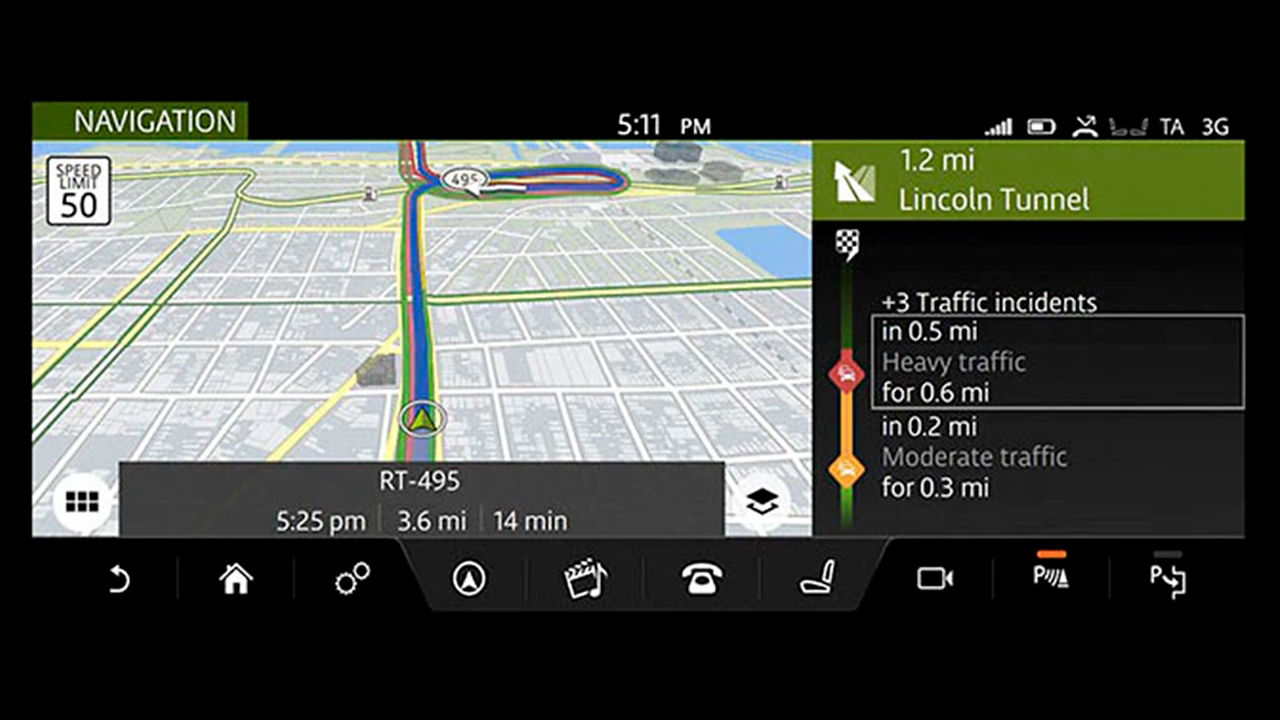
Once successfully connected, it will display either a 3G or a Wi-Fi icon on the upper corner of the Touchscreen. Please note, it may take up to 2 minutes to connect to the internet depending on network signal strength.
CREATE A PROFILE
STEP 1
When you first use Touch Pro Navigation, you will be asked to create and name your profile. This allows you to save favourite destinations, previous journeys and navigation settings.
STEP 2
When prompted, scroll to the bottom of the page and select Turn on all/Turn on to enable all connected navigation features. These include historic traffic patterns and Real Time Traffic Information. Selecting Continue/Cancel disables all connected navigation features.

YOUR NAVIGATION ACCOUNT

CREATE AN ACCOUNT
Once your profile has been created, you can create a Touch Pro Navigation Account by selecting Sign in on the main navigation screen.
You may also be prompted to do so when accessing certain features that require you to be signed in, including Share ETA, Cloud Sync or Door-to-Door navigation.
ACCEPT TERMS AND CONDITIONS
Follow the on-screen instructions to register a new account. You will be prompted to accept the Navigation Terms and Conditions, which you can access by typing the given URL into your browser.

DOWNLOAD THE JAGUAR ROUTE PLANNER APP
The InControl Route Planner smartphone app maximises the potential of your Jaguar's Touch Pro Navigation system. The InControl Route Planner smartphone app directs you from door to door. Set a destination from your smartphone to be directed to your car which then takes over. Once parked, navigation is handed back to your smartphone to provide any public transport or walking directions to your final destination. To sign in to the smartphone app, use the same email address and password you used to set up the Touch Pro Navigation account on your car’s navigation system.

ACCESSING INCONTROL ROUTE PLANNER
InControl Route Planner allows you to plan your routes and save destinations and places. When Pro Services is fitted you can access these routes later from your car. You can also manage your Touch Pro Navigation account from this website and log in using the email address and password you created on your Jaguar’s navigation system.
For more information on how to access the latest map updates, please visit the Maps and Services section on InControl Route Planner.
JAGUAR INCONTROL SUPPORT



As we roll out InControl, specific features described may be optional and market or powertrain dependent. Please consult your local Jaguar retailer for availability and full terms. Certain features require an appropriate SIM with a suitable data contract, which will require a further subscription after the initial term advised by your retailer. Mobile connectivity cannot be guaranteed in all locations.